
Remove Objects from Images
Paint over any object, person, watermark, or text — our AI erases it instantly and fills the gap naturally.
Or drop an image here
Paint over the object you want to remove. Use Brush to mark, Eraser to undo marks.
How to Remove Objects in 3 Simple Steps
Step 1: Upload Your Photo
Click or drag to upload any PNG, JPG, JPEG, or WEBP image from your device.
Step 2: Paint Over the Object
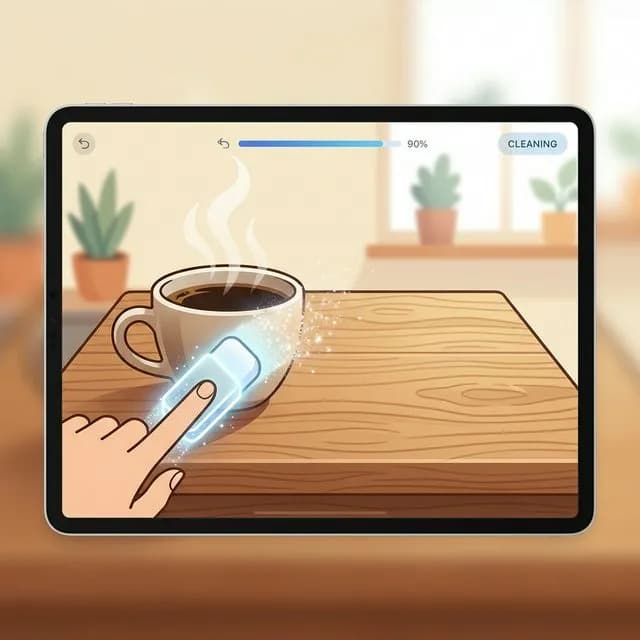
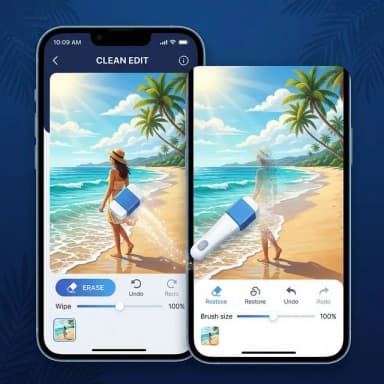
Use the brush tool to mark what you want removed. Adjust brush size for precision. Use the eraser to undo any marks.
Step 3: Remove & Download
AI erases the marked area and fills it with realistic background. Download your clean image instantly.
What Can You Remove?
Remove objects near animals without affecting fur or detail


Free AI-Powered Object Removal — No Software Needed
BgRemover.io's object removal tool uses advanced AI inpainting technology to intelligently erase any unwanted element from your photos. Simply upload an image, brush over the object you want removed, and our AI fills the gap with realistic, seamless background content — in seconds.
Whether you need to remove a photobomber, delete a distracting logo, clean up a watermark, or erase unwanted objects from product photos — our free tool handles it all without any design software or technical knowledge.
Unlike manual editing in Photoshop or GIMP, our AI-powered eraser works automatically. No layers, no cloning, no expertise required. Just paint over what you want gone and click remove.
All processing happens securely. Your images are not shared or stored permanently. Free users get preview downloads, while subscribers can unlock full HD quality with one credit.
Once your object is removed, want to enhance the quality of your cleaned-up image? Try our free AI Image Upscaler to sharpen details and enlarge your photo up to 8x without losing quality.
FAQ - Answers to Your Questions
All You Need to Know About Our Platform