

Upscale Image with AI
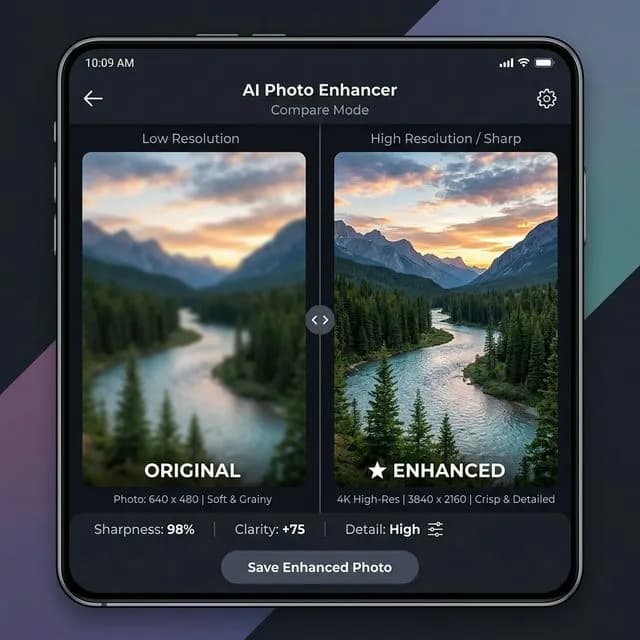
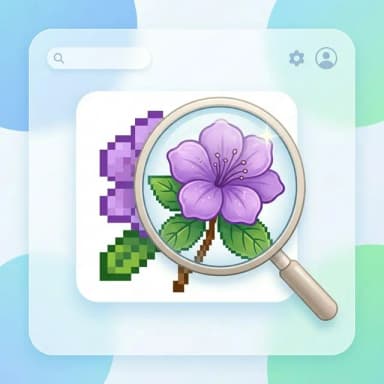
Enlarge and enhance any photo up to 8x its original size — sharper details, no blur, no quality loss.
Or drop an image here
Supported formats: PNG, JPG, JPEG, AVIF, and WEBP.
How to Upscale Your Image in 3 Steps
Step 1: Upload Your Photo
Click or drag to upload any PNG, JPG, JPEG, or WEBP image from your device.
Step 2: Choose Scale Factor
Select how much you want to enlarge your image — 2x, 4x, or 8x the original size. 4x is recommended for most photos.
Step 3: Upscale & Download
AI enhances and upscales your image in seconds. Download a free preview or unlock the full HD version with one credit.
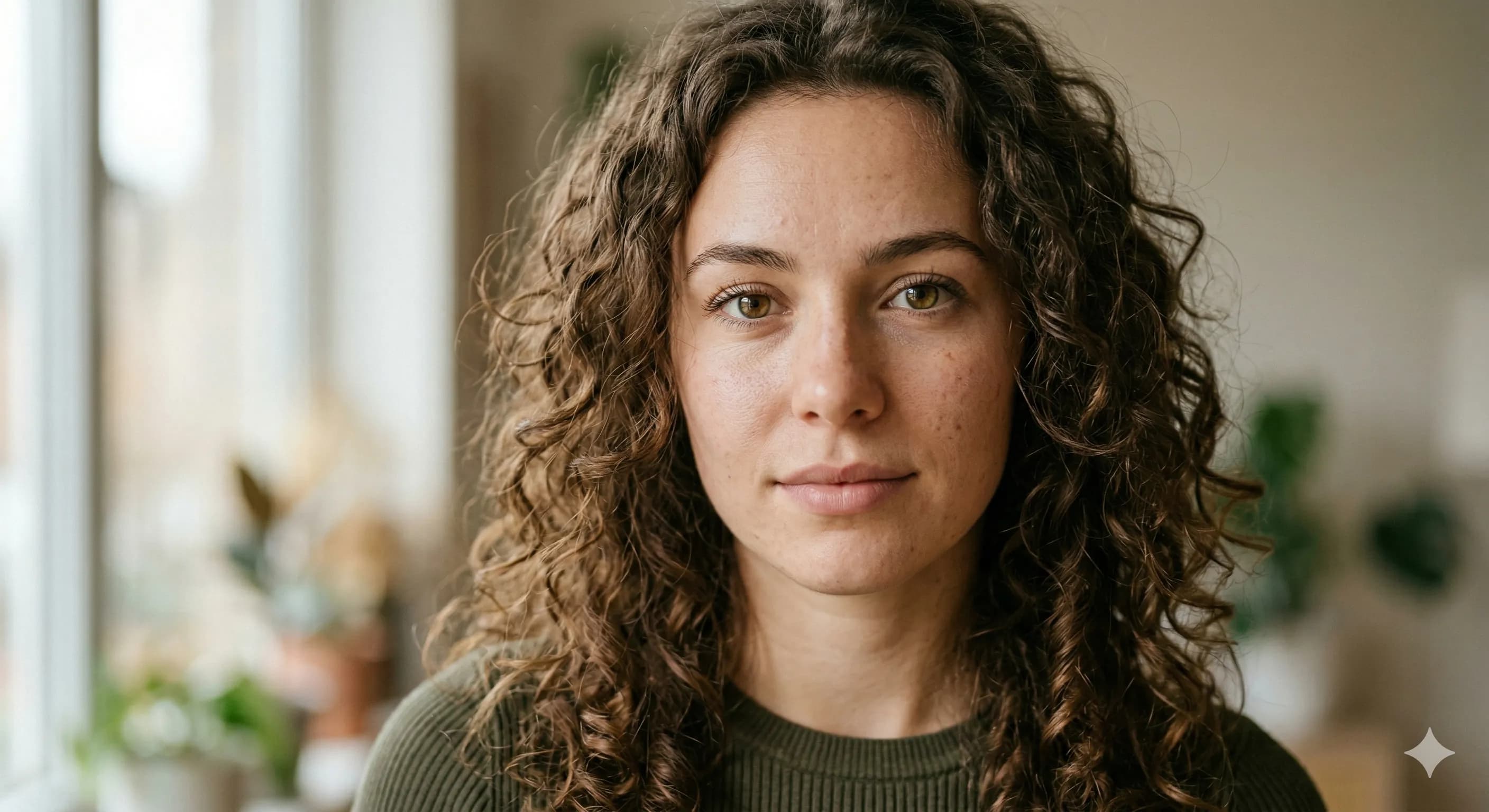
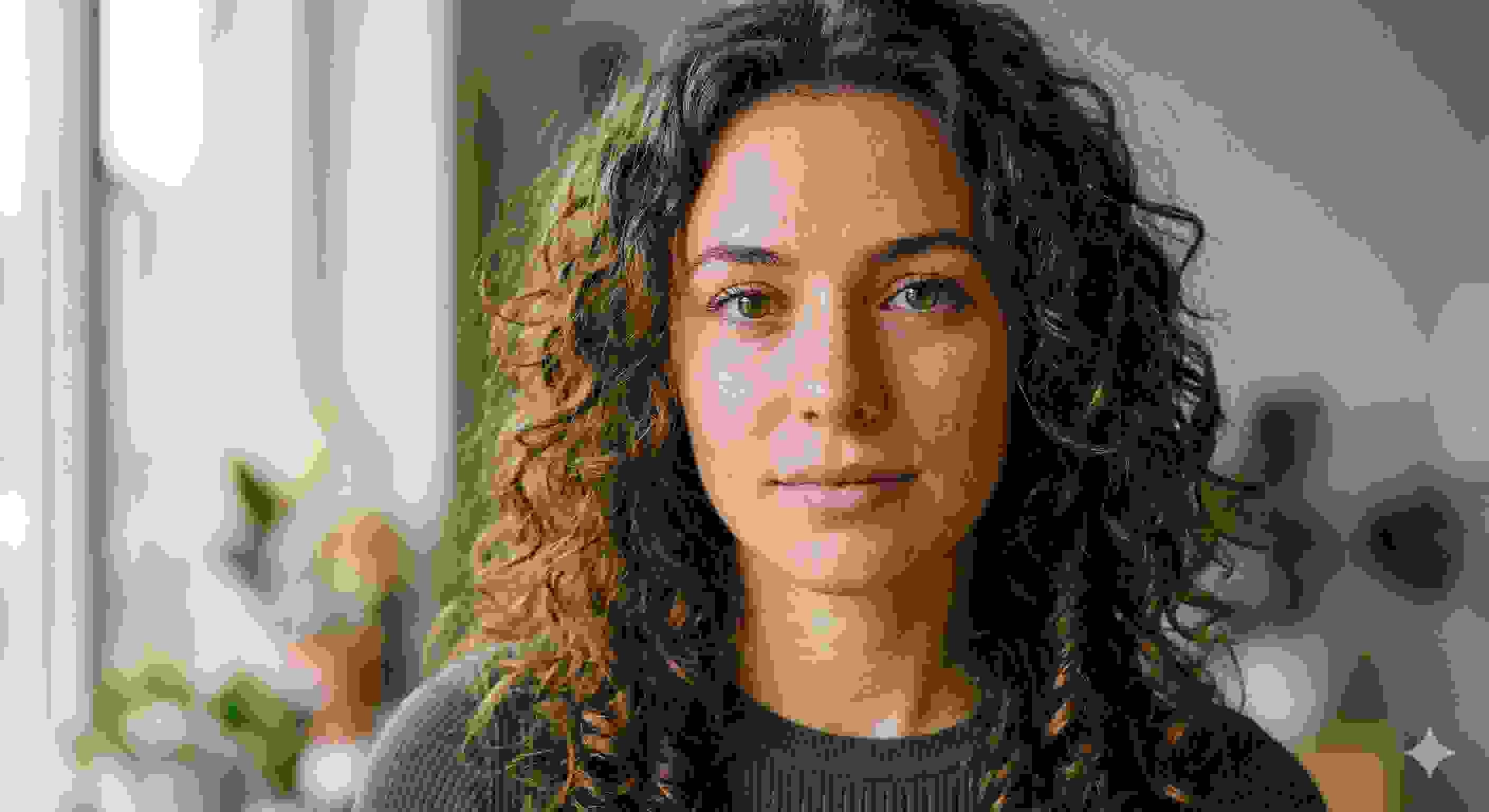
See the Quality Difference
Drag the slider — zoom boxes in the corner show the pixel-level improvement
Who Is This For?
From photographers to designers — our upscaler handles every use case.
Print-Ready Output
Upscale images to the resolution needed for large-format printing without pixelation.
Restore Old Photos
Recover fine detail in old, scanned, or low-resolution family photos.
High-DPI Displays
Prepare assets that look crisp on retina and 4K screens.
Product Photography
Enhance product shots for e-commerce listings and catalogues.
Design & Creative
Upscale textures, backgrounds, and assets for design projects.
Social Media
Turn low-res uploads into high-quality images ready for any platform.
How AI Upscaling Works
Not the same as simple resizing — here's what happens under the hood.
01
Image Analysis
The AI scans every pixel of your image, identifying edges, textures, faces, and patterns at a microscopic level.
02
Detail Prediction
Using Real-ESRGAN — a deep neural network trained on millions of images — it predicts what high-res detail should exist between each pixel.
03
Sharp Output
New pixels are generated and blended in, creating a larger image that looks naturally detailed rather than stretched or blurry.
2x
Fast enlarge
4x
Most popular
8x
Max quality
Free AI Image Upscaler — No Software Needed
BgRemover.io's AI image upscaler uses advanced super-resolution technology to intelligently enlarge your photos up to 8x without the blurring and pixelation of traditional resizing. Whether you're preparing images for print, web, or social media, our free tool delivers crisp, sharp results in seconds.
Powered by Real-ESRGAN — one of the most trusted open-source super-resolution models — our upscaler reconstructs realistic detail in faces, textures, and edges that simpler tools lose. Just upload, pick your scale, and download.
No Photoshop, no plugins, no expertise required. Works on portraits, landscapes, product shots, screenshots, and more. Free preview included for every image. Unlock full HD quality with a single credit.
Working with video content? Our Video Background Remover uses the same AI technology to remove backgrounds from entire video clips — no green screen needed.
FAQ - Answers to Your Questions
All You Need to Know About Our Platform